Researched guide · Last checked: Nov 13, 2026
This article contains affiliate links. If you book through them, we may earn a commission at no extra cost to you. See our Affiliate Disclosure.
A pocket Wi-Fi is a small router you rent for your trip. Several phones and laptops can connect to it at once, so it suits families and groups. Here is what a typical rental on Klook includes: price, airport pickup and return, battery life and the fees if you lose it.
Quick facts
| Price guide | From US$1.70 for the package shown on Klook (NINJA WiFi, during a sale on November 13, 2026). Days are counted inclusively |
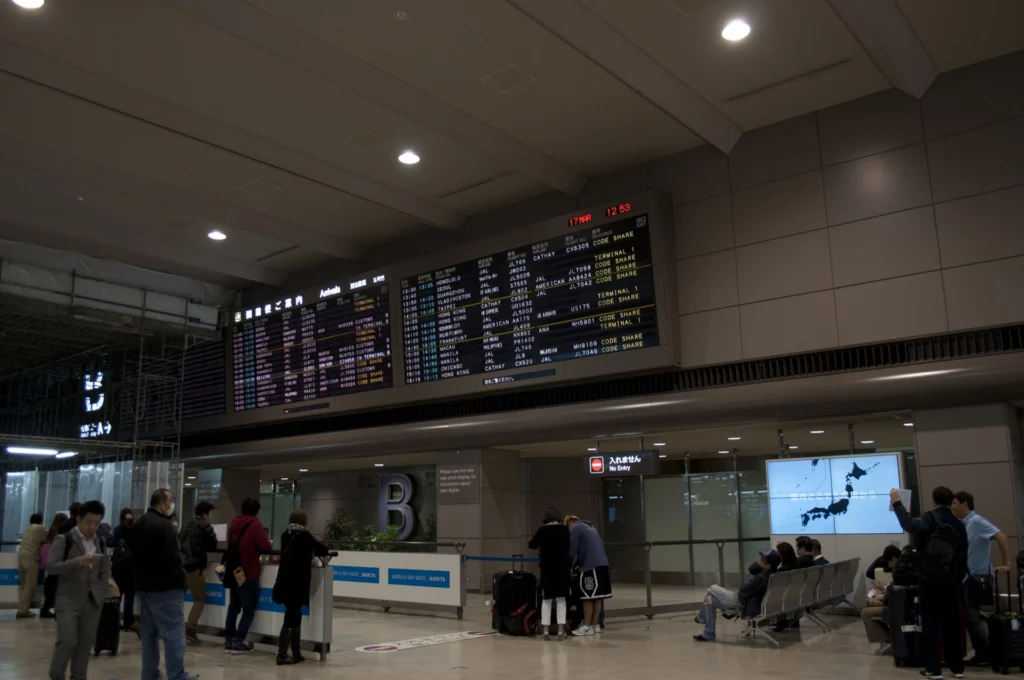
| Pickup | Counters at Narita (Terminals 1, 2, 3), Haneda (Terminals 2, 3) and other major airports; hotel delivery is offered by other listings |
| Return | At any airport counter, or the return box next to the counter after hours |
| Battery | About 9 hours (listing figure). A power bank is included in this listing |
| Devices | Up to 5 at once |
| Last checked | November 2026 (on November 13, 2026) |
Prices change by plan, days and sales. Figures are from the Klook listing for NINJA WiFi airport pickup, checked November 13, 2026.
Affiliate link
Pocket Wi-Fi or eSIM?
- Pocket Wi-Fi: best for families and groups who stay together, people with several devices, and phones that are locked or do not support eSIM.
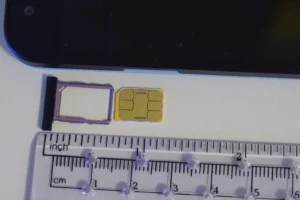
- eSIM: best for one person with a newer unlocked phone. Nothing to carry, charge or return. See our eSIM for Japan guide.
How to rent
- Book online before your trip, choose the airport and terminal where you will pick it up, and enter your flight number.
- At the counter, show your voucher and your passport or photo ID.
- Connect: open Wi-Fi settings on your phone, choose the network name (SSID) on the router’s label and enter the password on the label.
- Return it at any airport counter, or put it in the return box next to the counter if it is closed.
- If you need two or more routers, make a separate booking for each.
Data limits
The listing we checked offers daily data plans (3 GB and 10 GB a day) and an unlimited plan on the SoftBank network. Once the daily allowance is used, speed drops to 128 kbps and resets the next day. Heavy use in a short time can also be slowed under the fair-use policy.
Things to watch
- Charge it every night. The listing gives about 9 hours of battery, so carry the power bank on long days.
- Stay close to it. Everyone in the group needs to be near the router to use it.
- Loss and damage fees on this listing: ¥40,000 for the router, ¥1,000 for the pouch and ¥1,000 for the charging cable. Insurance options are offered when you book.
- Cancellation: free if you cancel at least 48 hours before the pickup date.
For free Wi-Fi spots and SIM cards, see staying connected in Tokyo. Picking up at the airport? See our Narita and Haneda guides.
FAQ
How much does pocket Wi-Fi cost in Japan?
It depends on the plan and the number of days. The NINJA WiFi airport-pickup listing on Klook started from US$1.70 during a sale on November 13, 2026.
Where do I pick up pocket Wi-Fi?
At rental counters at Narita, Haneda and other major airports. Some listings deliver to your hotel instead.
How do I return it?
At any airport counter, or in the return box next to the counter after hours.
How many devices can connect?
Up to 5 on the listing we checked.
What if I lose it?
The listing charges ¥40,000 for a lost or damaged router, unless your insurance option covers it.
Keep reading

Related guides



Sources
Prices, pickup and return, battery, data limits and fees come from the Klook listing below (Last checked: November 13, 2026). Rental terms are set by each provider, so please check before you book.