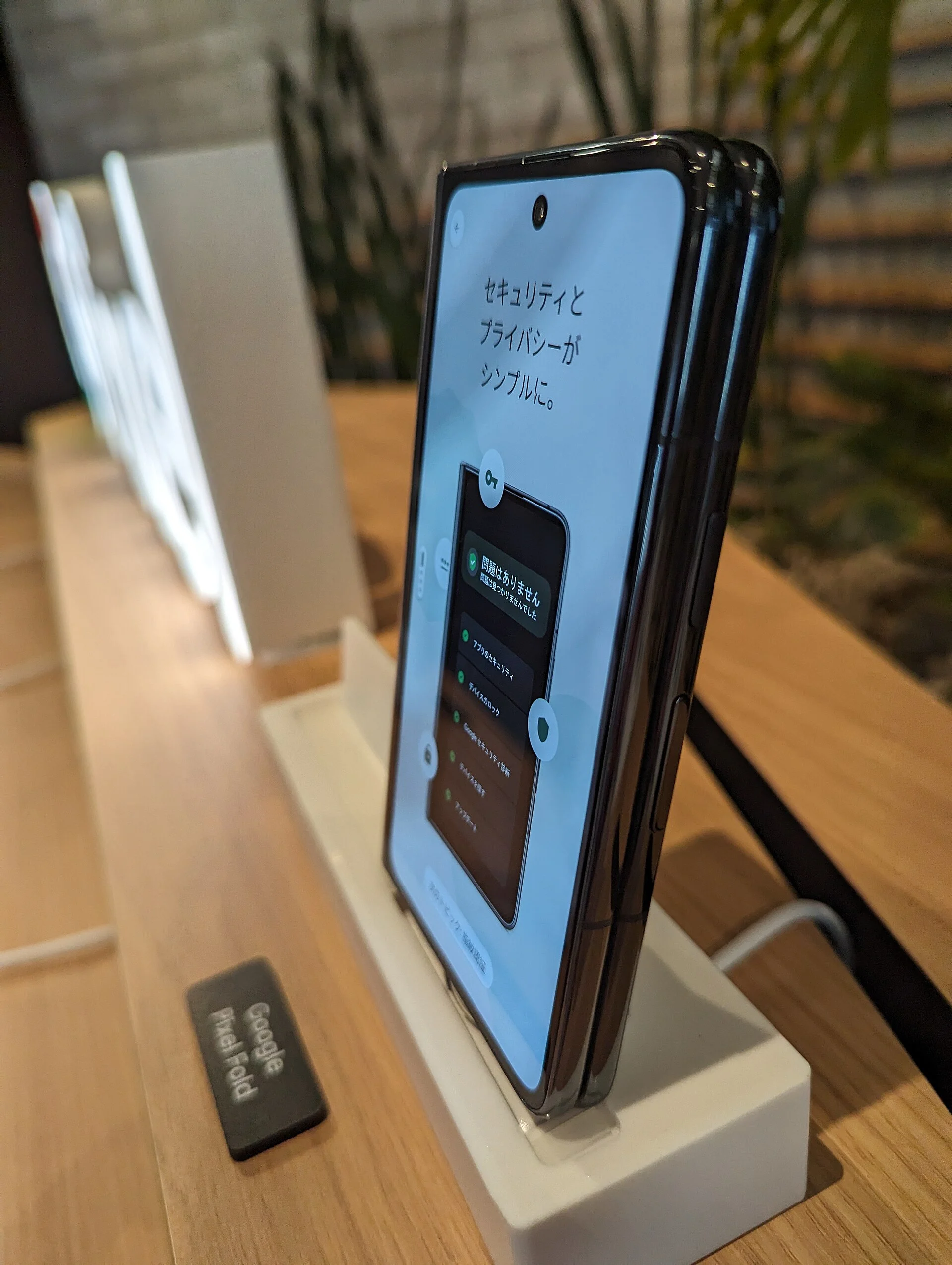
A few good apps make a trip to Japan much easier: finding train routes, paying for rides, reading menus and staying safe. Here are the apps and services we recommend setting up before you fly, and what each one is for.
Quick answer
Must-haves: a map app with train routes, a translation app, and a way to pay for trains (an IC card such as Suica on your phone or a physical card).
Before you fly: register on Visit Japan Web for immigration and customs, and install Safety tips for earthquake and weather alerts.
| What you need | Apps and services | Why |
|---|---|---|
| Maps and train routes | Google Maps, a Japanese transit app such as NAVITIME or Jorudan | Step-by-step routes with platforms, transfers and fares |
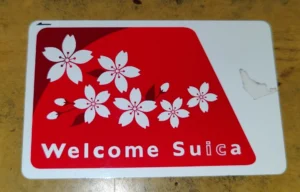
| Train fares and small payments | Suica or PASMO in Apple Wallet or Google Wallet, or Welcome Suica Mobile | Tap in and out of trains and pay at convenience stores |
| Translation | Google Translate, DeepL | Translate menus and signs with your camera |
| Taxis | GO, Uber | Call a taxi to your location |
| Safety | Safety tips (Japan Tourism Agency) | Earthquake, tsunami and weather alerts in English |
| Arrival | Visit Japan Web | Register immigration and customs details before you fly |
Maps and train routes
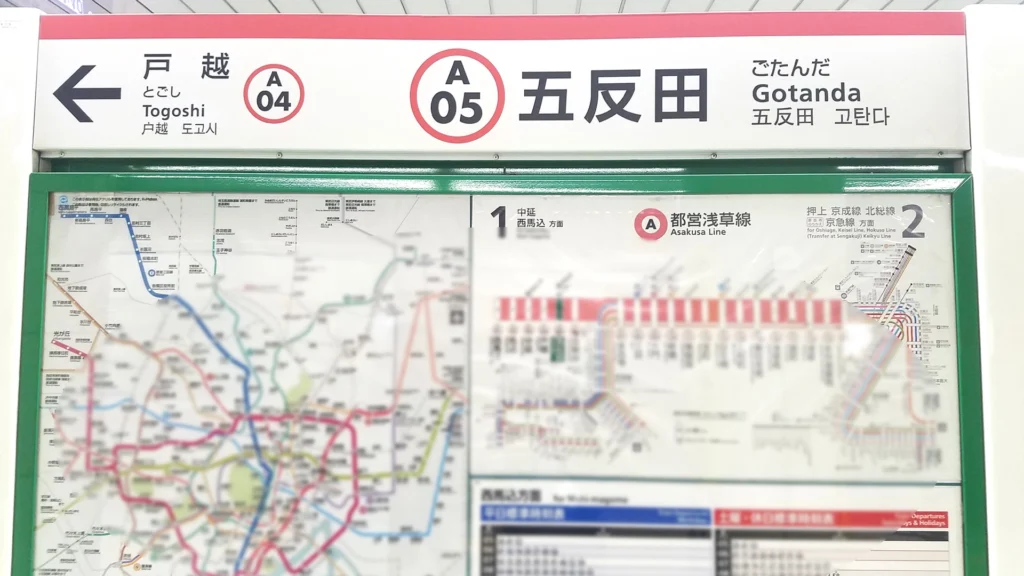
- Google Maps shows train and subway routes with times, transfers and fares, and works well for walking directions. Download offline maps of Tokyo in case you lose signal.
- Japanese transit apps such as NAVITIME and Jorudan are made for Japan’s rail network. They are useful for choosing exits and checking the last train.
- Read our guide to Tokyo trains to understand lines, transfers and rush hour.
Paying for trains and shops
- IC cards on your phone: on iPhone and many Android phones you can add Suica or PASMO to your wallet and tap through ticket gates. Welcome Suica Mobile is a version for visitors. See How to use Suica for which option suits your phone and how to top up.
- Cards and cash: most shops take credit cards, but some small restaurants and shrines only take cash. See Money in Tokyo.
Translation and food
- Google Translate and similar apps can translate menus and signs through your camera, and work offline if you download Japanese first.
- Many restaurants have picture menus or ticket machines. See How to eat out in Tokyo and Japanese phrases for travelers.
Taxis
GO is a widely used taxi app in Japan with an English option, and Uber also works with taxis in Tokyo. Check before your trip whether you can register with your phone number and card. You can also find taxis at stands outside large stations.
Safety and arrival
- Safety tips is a free app from the Japan Tourism Agency. It sends earthquake early warnings, tsunami warnings and weather warnings in English and other languages. See our earthquake safety guide.
- Visit Japan Web is the official online service for immigration and customs. Register your details before you fly and show the QR codes when you arrive.
Stay connected
All of these apps need data. Compare eSIMs, SIM cards and pocket Wi-Fi in Staying connected in Tokyo.
Find a Japan eSIM
Opens the search results in a new tab. Prices and availability are set by each site. Some of these are affiliate links: we may earn a commission at no extra cost to you.
Check your entry rules before you go, too: see Japan visa requirements.
FAQ
Does Google Maps work in Tokyo?
Yes. It shows train and subway routes with transfers and fares, and walking directions. A Japanese transit app can add details such as exits and last trains.
Can I use Suica on my phone?
On iPhone and many Android phones you can add Suica or PASMO to your wallet. Our Suica guide explains the options for visitors.
Is there an app for earthquake alerts in English?
Yes. Safety tips, from the Japan Tourism Agency, sends earthquake, tsunami and weather alerts in English and other languages.
Keep reading

Sources
App information comes from the official sources below and our own guides (checked October 18, 2026). Apps change often, so check the store listing before you install.