This article contains affiliate links. If you book through them, we may earn a commission at no extra cost to you. See our Affiliate Disclosure.
Suica is a rechargeable card that you tap to ride trains, subways and buses in Tokyo, and to pay in convenience stores and many shops. It is the single most useful thing to get when you arrive. Here is which Suica to choose, where to get it and how to use it.
Quick answer
Visiting for less than a month? Get a Welcome Suica at Narita or Haneda Airport: no deposit, valid for 28 days.
Have an iPhone? Add Suica to Apple Wallet, or use JR East’s Welcome Suica Mobile app, and you do not need a card at all.
Topping up: top up a Suica card with cash at station ticket machines. Suica on iPhone (Apple Wallet or the Welcome Suica Mobile app) is topped up inside the phone with a credit card through Apple Pay. Then just tap in and out.
Which Suica should you get?
| Welcome Suica (card) | Regular Suica card | Suica in Apple Wallet | Welcome Suica Mobile (app) | |
|---|---|---|---|---|
| Who it is for | Short-term visitors | Longer stays and repeat visitors | iPhone users | Visitors with an iPhone |
| Deposit | None | ¥500, returned when you hand it back | None | None |
| Valid for | 28 days from purchase | No expiry, unless unused for 10 years | While it is in your Wallet | 180 days |
| Refund of balance | Not possible | Possible at JR East stations (¥220 fee) | Check JR East’s terms | Check the app’s terms |
| How to top up | Cash at station ticket machines (also Seven Bank ATMs) | Cash at station ticket machines | Credit card through Apple Pay | Credit card through Apple Pay |
Welcome Suica
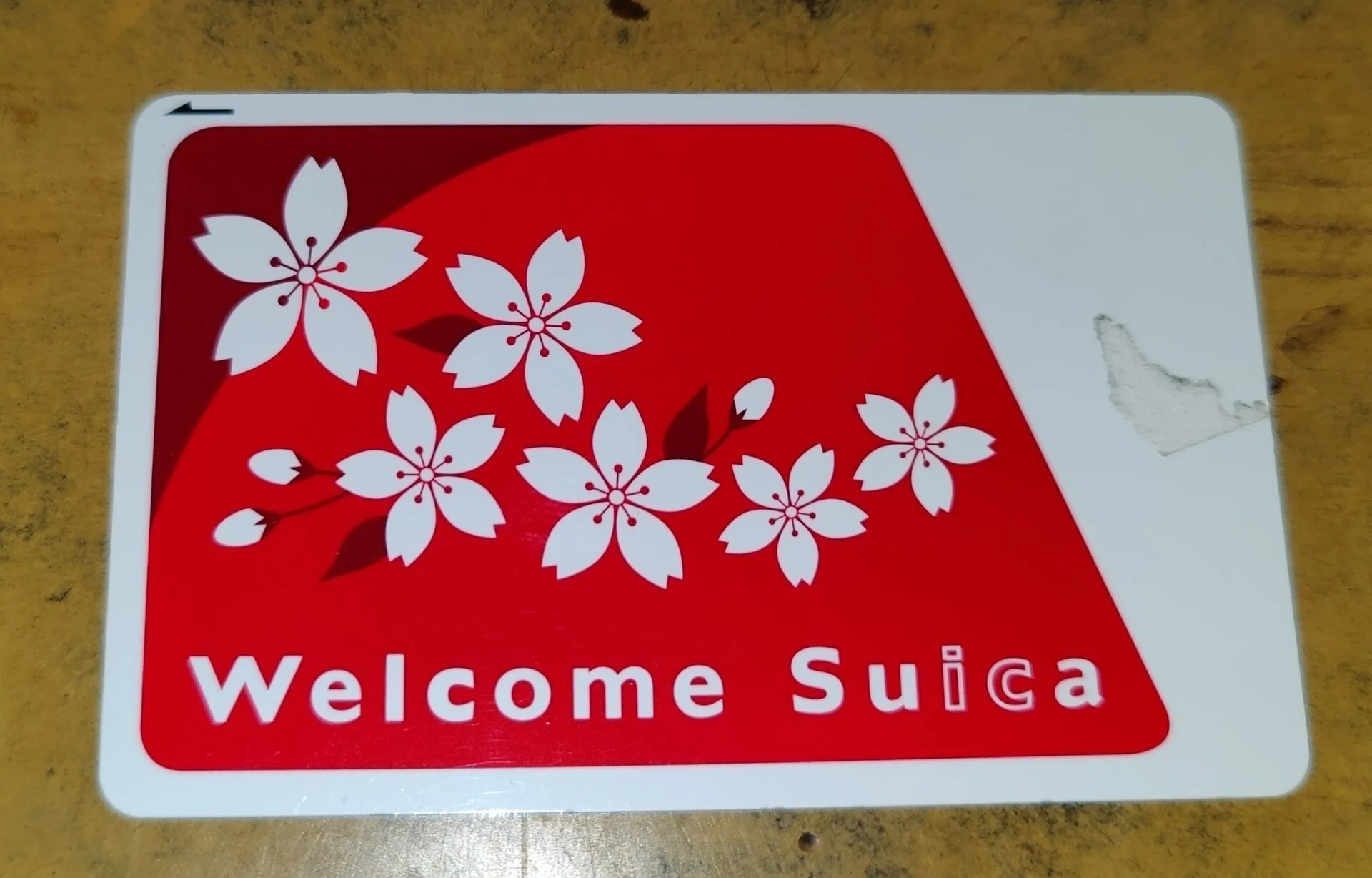
Welcome Suica is a Suica card made for visitors. You do not pay a deposit, and it can be used for 28 days including the day you buy it. The balance cannot be refunded, so do not load more than you will use.
- Where to buy: Welcome Suica vending machines at Narita Airport Terminal 1, Terminal 2·3 and Haneda Airport Terminal 3 (Tokyo Monorail) stations, and JR EAST Travel Service Centers at major stations such as Tokyo, Shibuya, Shinjuku, Ikebukuro and Ueno.
- Price: ¥1,000 to ¥10,000, all of which is usable balance.
- Keep the reference paper you receive when you buy it. It shows the card’s validity period.
Suica on your iPhone
- Apple Wallet: iPhone users can add a Suica card in the Wallet app and top it up with a credit card through Apple Pay.
- Welcome Suica Mobile: JR East’s app for overseas visitors. It works on iPhone and Apple Watch, needs no deposit, is valid for 180 days and is topped up through Apple Pay.
- Many Android phones sold outside Japan cannot use mobile Suica. Android users should get a card.
How to use Suica
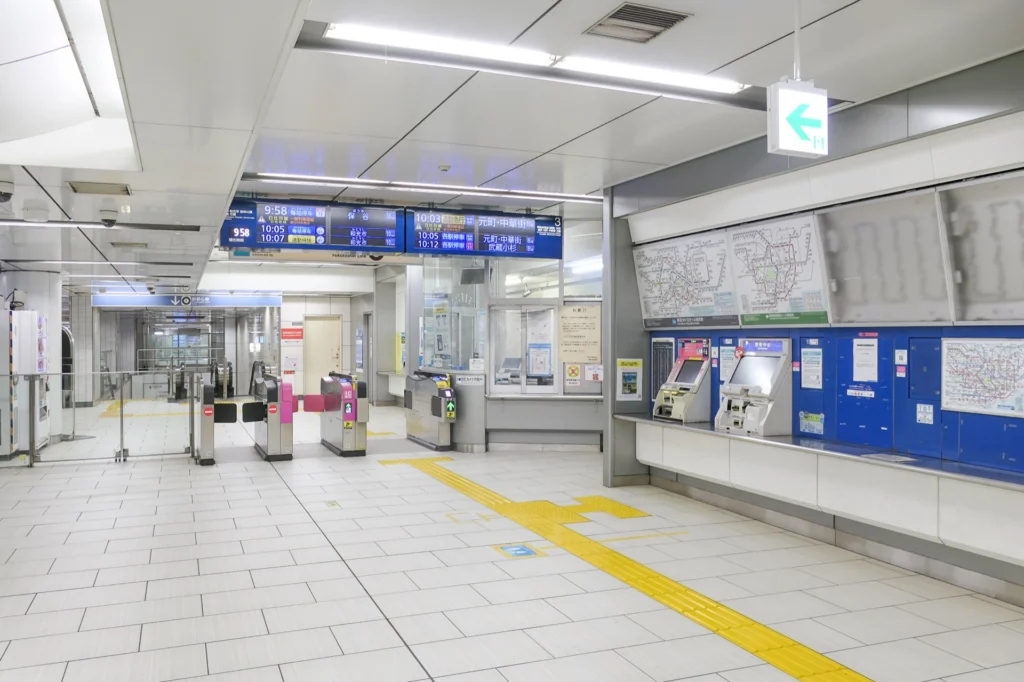
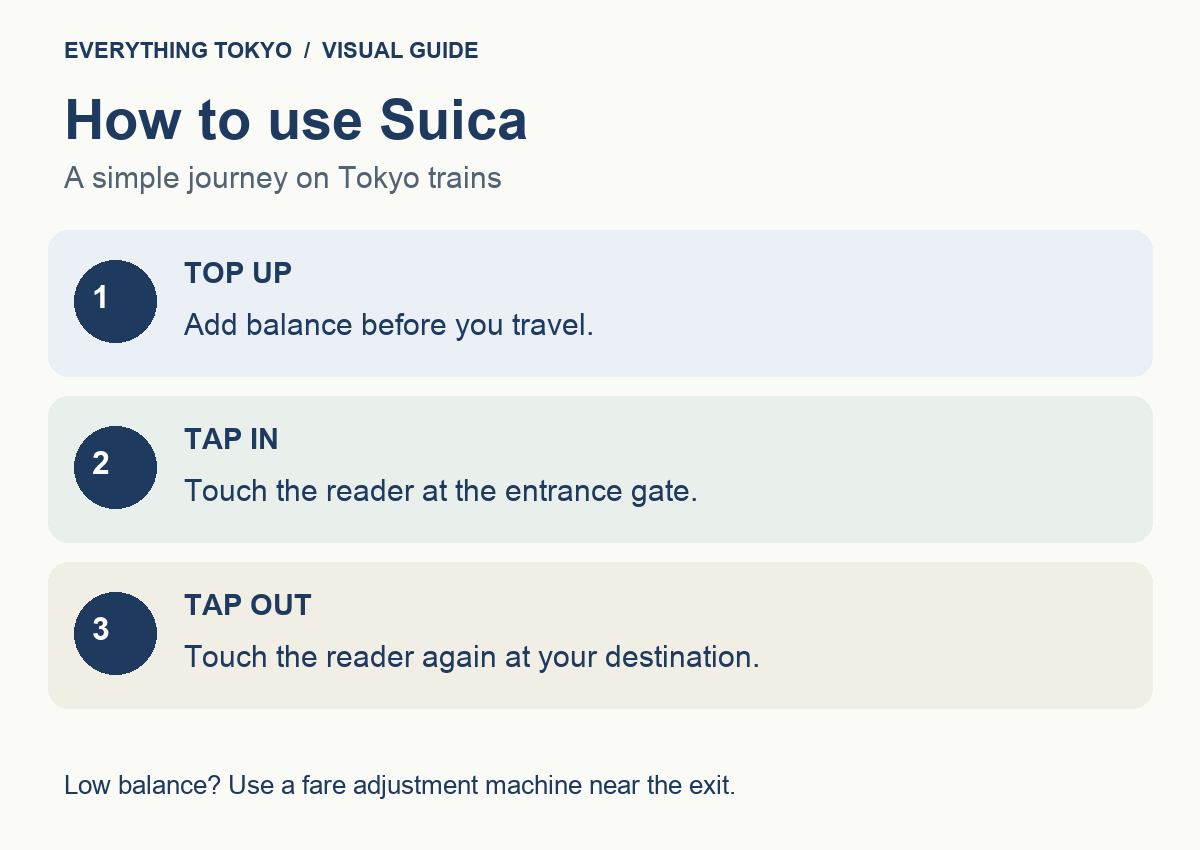
- Touch the card on the reader at the ticket gate when you enter and again when you leave. The fare is taken automatically.
- If your balance is too low, the gate will stop you. Top up at a fare adjustment machine near the exit.
- Suica works on JR, subways, private railways, monorails and most buses in the Tokyo area.
- Limited express trains, Shinkansen and Green Cars need a separate ticket.
- You cannot travel between different IC card areas, such as from Tokyo to Sendai, on Suica. Buy a ticket for those trips.
Topping up
- Top up with cash at ticket machines and fare adjustment machines with the IC card mark. Most have an English option.
- You can add ¥500 to ¥10,000 at a time, up to a balance of ¥20,000.
- Welcome Suica can also be topped up at Seven Bank ATMs in 7-Eleven stores.
- Credit cards cannot be used to top up a physical Suica card.
- Suica on iPhone (Apple Wallet or Welcome Suica Mobile) is topped up inside the phone with a credit card through Apple Pay, not at ticket machines.
Paying in shops
Look for the IC card logos at the register in convenience stores, vending machines, station shops and many restaurants. Say “Suica” and touch the reader. PASMO, ICOCA and other Japanese IC cards are accepted in the same places. See our convenience store guide.
Suica or a Tokyo Subway Ticket?
If you will ride the subway many times a day, a Tokyo Subway Ticket (unlimited rides on Tokyo Metro and Toei lines for 24, 48 or 72 hours) can be cheaper. You still need Suica for JR lines, buses and shopping, so many visitors use both. Compare passes in Tokyo transport passes, and see how to ride trains in Tokyo.
Affiliate link
FAQ
Can tourists still buy a Suica card?
Yes. Visitors can buy a Welcome Suica at Narita and Haneda Airport stations and at JR EAST Travel Service Centers in major stations. iPhone users can also add Suica to Apple Wallet or use the Welcome Suica Mobile app.
Is Suica or PASMO better?
For visitors they work almost the same way and are accepted in the same places in Tokyo. Choose whichever is easiest to get.
Can I get my money back from a Welcome Suica?
No. The balance on a Welcome Suica cannot be refunded, so top up only what you need.
Can I use Suica outside Tokyo?
Yes, in many other IC card areas such as Osaka and Kyoto, but you cannot ride across areas on one trip. Buy a ticket for long journeys.

Sources
Card rules in this guide are based on the official sources below. Rules and sales locations can change, so please check before you travel.