You will use your phone all the time in Tokyo: maps, train routes, translation and bookings. There are four ways to get online. This guide compares them, shows how to check whether your phone can use an eSIM, and lists what to look for in a plan.
Quick answer
Solo, with a newer unlocked phone: get a data eSIM before you fly. It works the moment you land.
Family or group: one pocket Wi-Fi can be shared by several phones.
Older or locked phone: a physical SIM card, or pocket Wi-Fi.
eSIM, SIM card or pocket Wi-Fi?
| eSIM | SIM card | Pocket Wi-Fi | |
|---|---|---|---|
| Best for | Solo travelers with a newer phone | Phones without eSIM | Families and groups |
| Set up | Download before you fly | Swap the card when you arrive | Pick up at the airport or have it delivered |
| Carry and charge | Nothing extra | Keep your home SIM safe | Carry the router and charge it every night |
| Share with others | Possible with tethering, if the plan allows | Possible with tethering, if the plan allows | Yes, several devices at once |
| Return | Nothing to return | Nothing to return | Return it at the end of the trip |
Free Wi-Fi is available at many stations, convenience stores and cafés, but it is not everywhere and not always fast. Use it as a backup only.
Free Wi-Fi in Tokyo
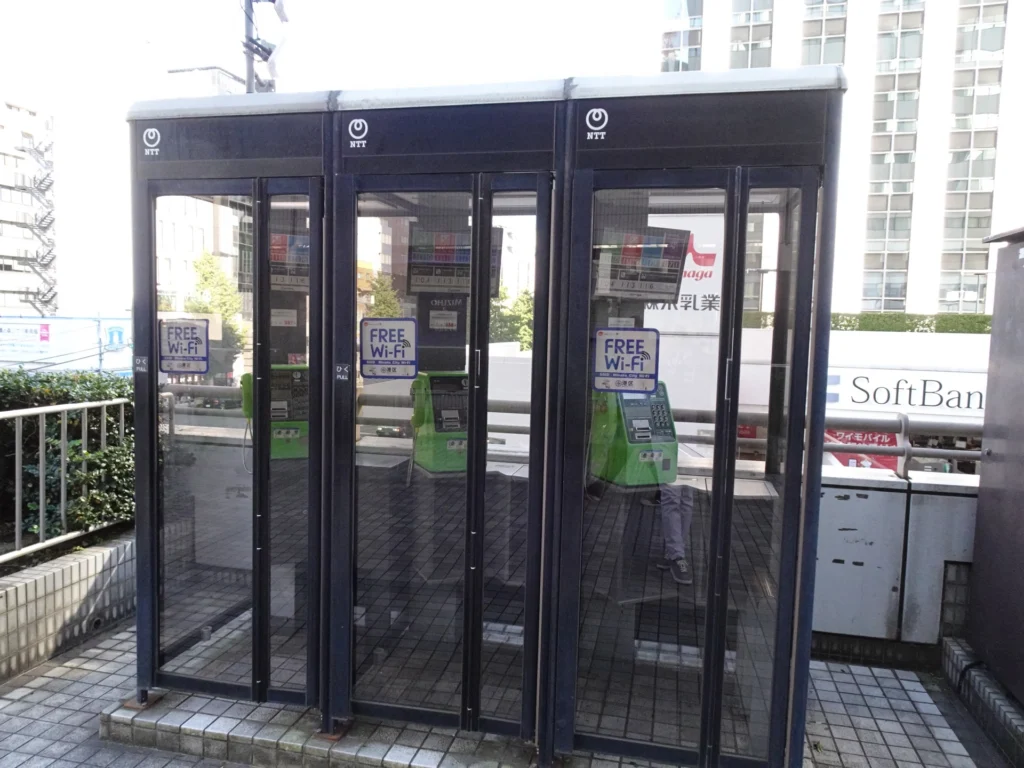
Free Wi-Fi is a useful backup, but do not rely on it alone. The Tokyo Metropolitan Government runs TOKYO FREE Wi-Fi, a free, secure public Wi-Fi service:
- It is free, with no time limit.
- The first time, you verify yourself with a Google, Apple or LINE account and install a settings profile. After that, your phone connects automatically at TOKYO FREE Wi-Fi spots.
- Look for the green stickers at spots such as public facilities, parks and phone booths, and check the spot map on the official site.
Can your phone use an eSIM?
- iPhone: iPhone XS, XR and newer support eSIM. Go to Settings > General > About and check that “Carrier Lock” says “No SIM restrictions”.
- Android: many recent Pixel, Galaxy and other models support eSIM, but not all. Check your phone’s settings or the maker’s website, and make sure it is unlocked.
- If your phone is locked to your home carrier, an eSIM or SIM from another company will not work. Use pocket Wi-Fi instead.
What to look for in a Japan eSIM
- Data amount and days: match the plan to your trip. Maps and messaging use little data; video and photo uploads use much more.
- “Unlimited” plans: read the small print. Many slow down after a daily limit.
- Network: plans that use a major Japanese network give the best coverage in Tokyo and on day trips.
- Phone number: most travel eSIMs are data only, with no Japanese number. Use calling apps, or keep your home SIM for calls.
- Tethering: check whether you can share the connection with a laptop or a travel partner.
Get a Japan eSIM
Buy before you fly and install it with a QR code. Plans, prices and data limits are set by each site, so compare a couple before you buy.
- See Japan eSIMs
Klook
Compare several Japan eSIMs in one place, including plans on the Docomo and SoftBank networks.
- See Japan eSIMs
Airalo
Data-only eSIMs that you buy and manage in the Airalo app.
- See Japan eSIMs
Ubigi
Data plans for Japan from a long-running eSIM provider.
- See Japan eSIMs
Holafly
Unlimited-data plans. Check the hotspot (tethering) limit before you buy.
- See Japan eSIMs
Saily
Data plans that you buy and manage in the Saily app.
Opens the seller's site in a new tab. Check that your phone is unlocked and supports eSIM first. Some links are affiliate links: we may earn a commission at no extra cost to you. Learn more
How to set up an eSIM
- Buy the plan before you leave, while you have good Wi-Fi at home.
- Install it by scanning the QR code or following the provider’s app. Do not delete it after installing.
- Turn on the eSIM and data roaming for that line when you land, and keep your home line’s roaming off to avoid charges.
- If it does not connect, restart your phone and check the provider’s settings guide.
Pocket Wi-Fi
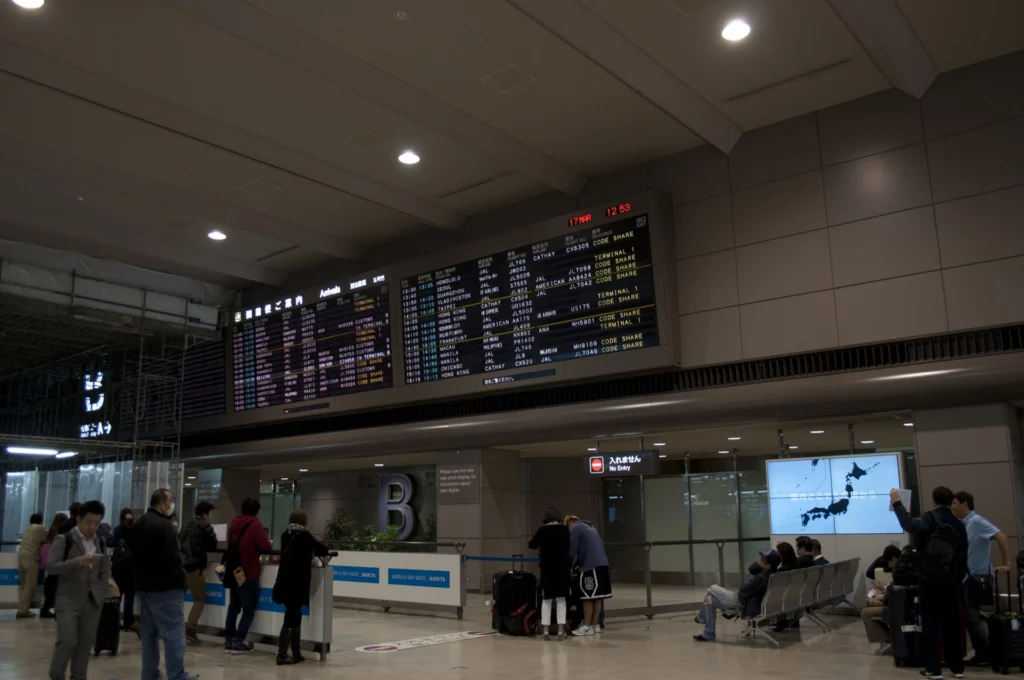
A pocket Wi-Fi is a small router that several phones can connect to at once, so it often works out cheaper for families and groups. Book it before your trip with pickup at Narita or Haneda Airport or delivery to your hotel, and return it by post or at the airport. Everyone needs to stay close to it, and it needs charging every night.
Before you fly
- Download offline maps of Tokyo and the Japanese language pack for your translation app.
- Bring a power bank: maps and cameras use a lot of battery.
- Arriving at Haneda or Narita? See our Haneda and Narita guides.
FAQ
Is an eSIM or pocket Wi-Fi better for Japan?
An eSIM is easiest for one person with a newer unlocked phone. A pocket Wi-Fi is often better value for families and groups who stay together.
Does a Japan eSIM give me a phone number?
Most travel eSIMs are data only. Use messaging and calling apps, or keep your home SIM active for calls.
When should I install my eSIM?
Before you leave home, while you have good Wi-Fi. Then switch it on when you land.
Is there free Wi-Fi in Tokyo?
Yes, at many stations, convenience stores and cafés, but coverage is patchy. Do not rely on it alone.
Related Articles





Sources
eSIM support and unlocking come from Apple, and free Wi-Fi from the Tokyo Metropolitan Government (checked November 2, 2026). Plans and prices are set by each provider, so please check before you buy.